Portfolio Management for Microsoft Planner
Manage work across multiple Planner plans and Trello boards simultaneously. Keep distributed teams aligned with real-time synchronization while everyone works in their preferred tool.
Portfolio Management Benefits
Manage multiple Microsoft Planner plans and cross-platform teams effectively
✨ Key Features
- Combine multiple plans in one view
- Work across Planner and Trello
- Filter and sort across projects
- Import and export data flexibly
- Organize with boards and lists
- Track portfolio metrics
👥 Perfect For
- PMO leaders managing multiple program portfolios
- Distributed teams using different collaboration tools
- Agency teams managing multiple client projects
- Enterprise teams integrating with external partners
- Department heads coordinating cross-functional initiatives
- Operations managers tracking supplier and vendor work
Start with a 15-day free trial. Get started in minutes. No credit card required.
Portfolio Visibility
Unified Multi-Project View
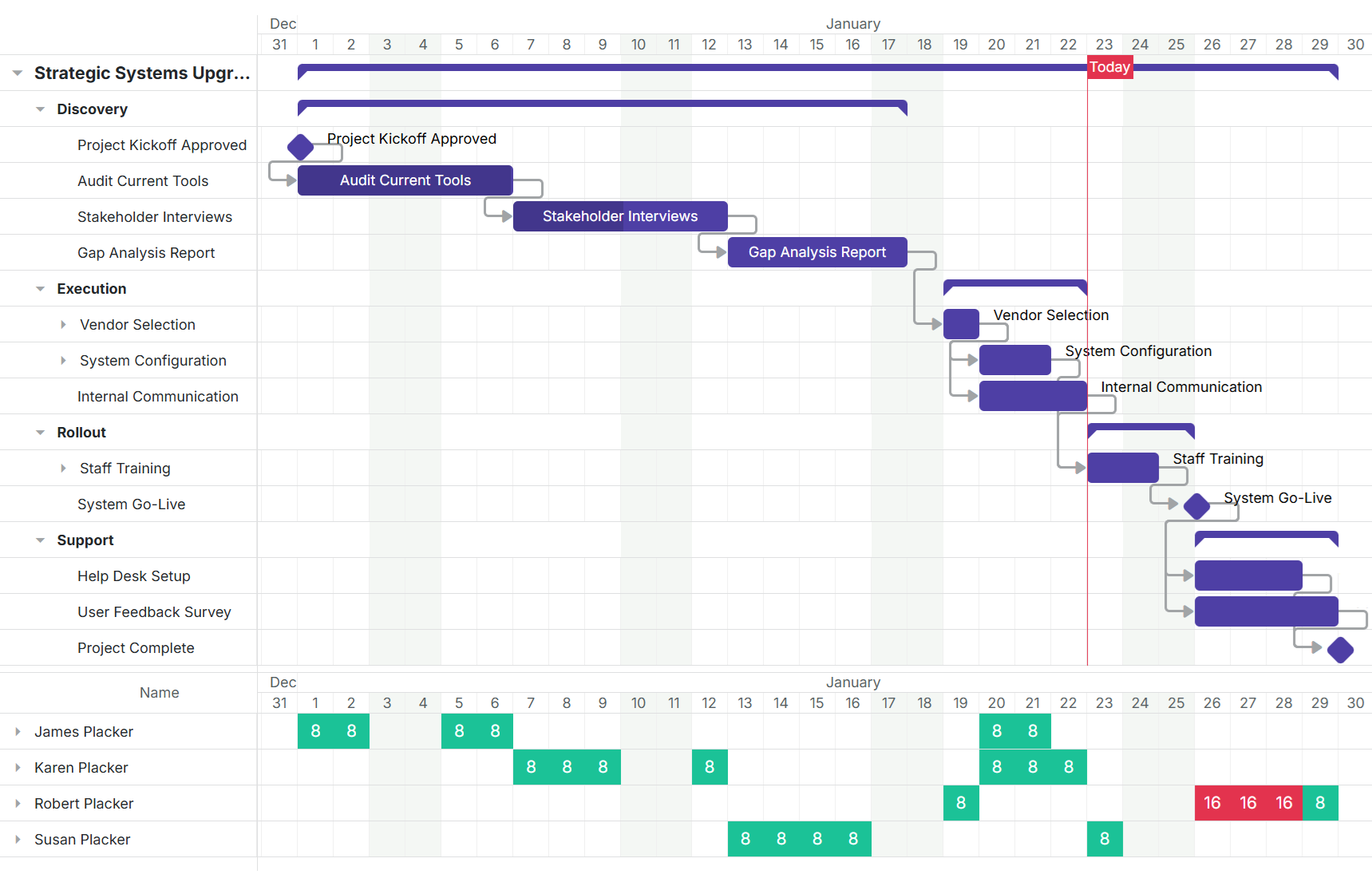
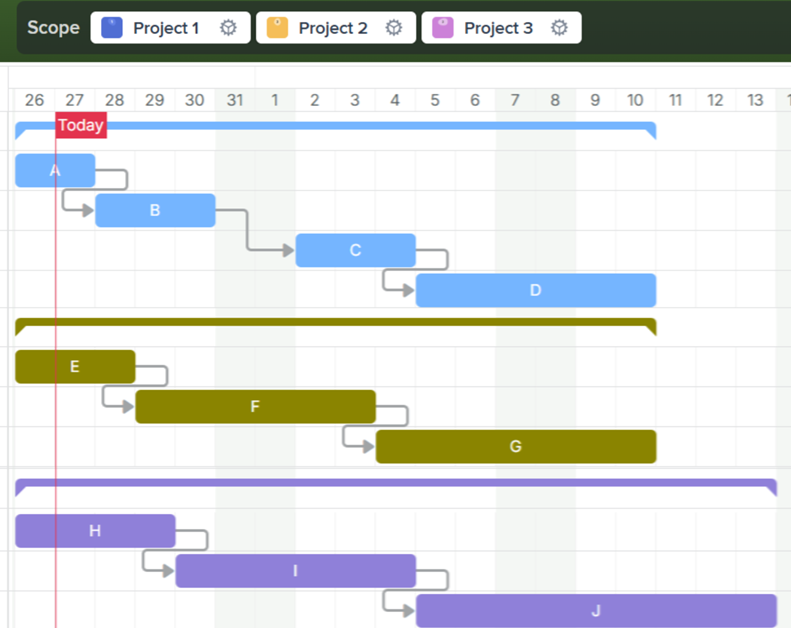
Manage all Microsoft Planner plans from a single interface with customizable filters and views. See tasks across projects organized by status, assignee, due date, or priority.
- Combine multiple plans in one view
- View and manage tasks across all your Microsoft Planner plans from a single unified interface
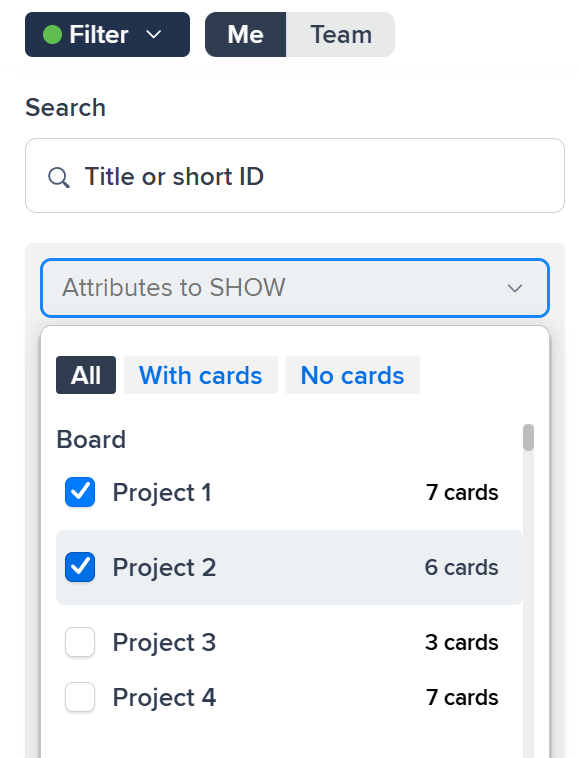
- Filter and sort across projects
- Apply filters to view tasks by project, assignee, status, or priority across your entire portfolio
Team Flexibility
Cross-Platform Synchronization
Connect Microsoft Planner and Trello with automatic synchronization. Teams work in their preferred tool while staying aligned through real-time updates across platforms.
- Work across Planner and Trello
- Connect Microsoft Planner plans with Trello boards and keep both platforms synchronized automatically
- Organize with boards and lists
- Structure work using boards, lists, and cards with real-time synchronization across teams
Adapt & Scale
Flexible Data Integration
Import and export data seamlessly to integrate with existing workflows and systems. Organize work using boards, lists, and cards that adapt to your team structure.
- Import and export data flexibly
- Move work between systems with import and export functionality for seamless tool integration
- Track portfolio metrics
- Monitor progress across all projects with consolidated dashboards and reporting
Ready to supercharge your Microsoft Planner projects?
Start your 15-day free trial today. No credit card required.